Microsoft Excel stays one of the most useful skills you can have in any office. Whether you’re a student landing your first job, a pro aiming for a promotion, or a business owner juggling data, knowing your way around advanced Excel changes how you work.
If you’re hunting for an Advanced Excel Course in Madurai, you probably want more than just basic formulas. You need practical experience, industry knowledge, a certificate to back it up, and the confidence to actually fix business problems. If you’re also exploring technical hardware paths, our Mobile Service Training in Madurai offers a similar hands-on, job-ready approach.
This guide covers what you should look for in a course, the skills you’ll pick up, and how to find the right training institute.
Why Advanced Excel Still Matters in 2026
Even with AI and new software popping up, Excel remains the heavy lifter in most offices. Organizations keep using it because it is flexible, cost-effective, and backed by Microsoft Support.
If you know advanced Excel, you can chew through thousands of rows of data, automate the boring stuff, build dashboards, write reports, and make data-driven decisions—fast. This skill set is the foundation for almost every desk job in:
- Banking and Finance
- Accounting
- Manufacturing
- Healthcare
- Retail
- Logistics
- Human Resources

What Is Advanced Excel?
Advanced Excel goes past simple cell entry. You’ll learn how to organize, analyze, visualize, and automate data so it works for you. Professionals often start here before moving into specialized paths like our Data Analyst Course in Madurai.
Typical Topics Covered
| Module | Skills Learned |
| Advanced Formulas | IF, IFS, XLOOKUP, INDEX-MATCH, SUMIFS, COUNTIFS |
| Data Cleaning | Flash Fill, Text Functions, Remove Duplicates |
| Pivot Tables | Interactive reporting and summaries |
| Power Query | Data transformation and import |
| Dashboard Design | Executive KPI reports |
| Macros & VBA | Automating repetitive office tasks |

Who Should Join Advanced Excel Training?
Excel is incredibly versatile. It works for students prepping for campus placements, job seekers looking to ace interview tasks, and working professionals who need to reduce manual workload. Entrepreneurs also find it essential for managing inventory and payroll.
If you are interested in the hardware side of the industry, many of our students pair their office automation skills with our Mobile Service Training in Madurai to become versatile technicians capable of managing both shop operations and technical repairs.
What Will You Learn in an Advanced Excel Training Course?
A good course spends time on practical business needs rather than just theory.
1. Advanced Functions
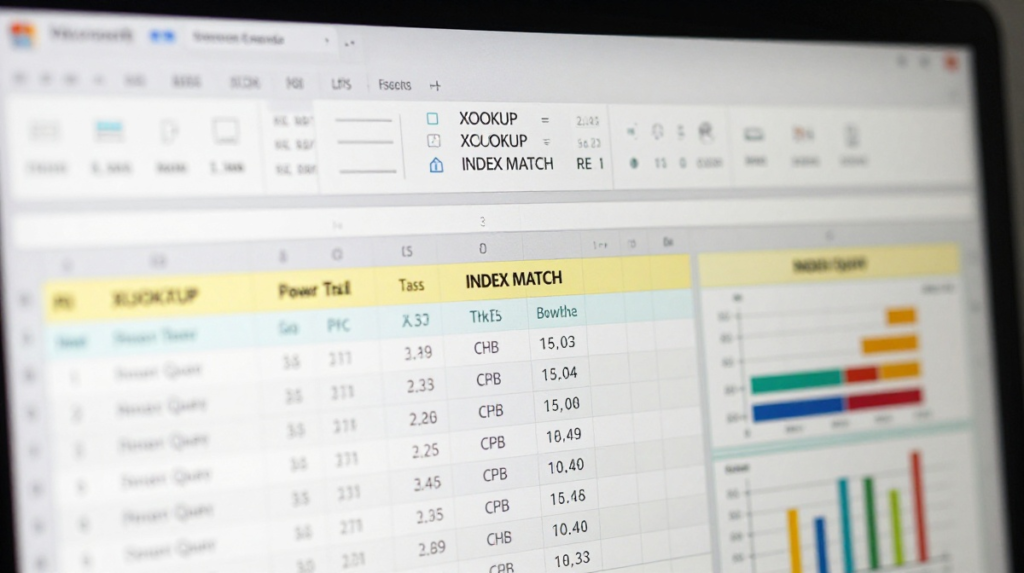
You’ll master formulas like XLOOKUP and INDEX-MATCH. These are the gold standard for analyzing data, a concept often reinforced in Business Analytics Courses.
2. Data Analysis
You’ll learn to track productivity and spot financial trends. According to Investopedia, mastering these tools is critical for financial modeling and analysis.
3. Pivot Tables
These summarize thousands of rows of data in seconds. You can generate reports for sales by employee or monthly revenue instantly.
4. Dashboard Creation
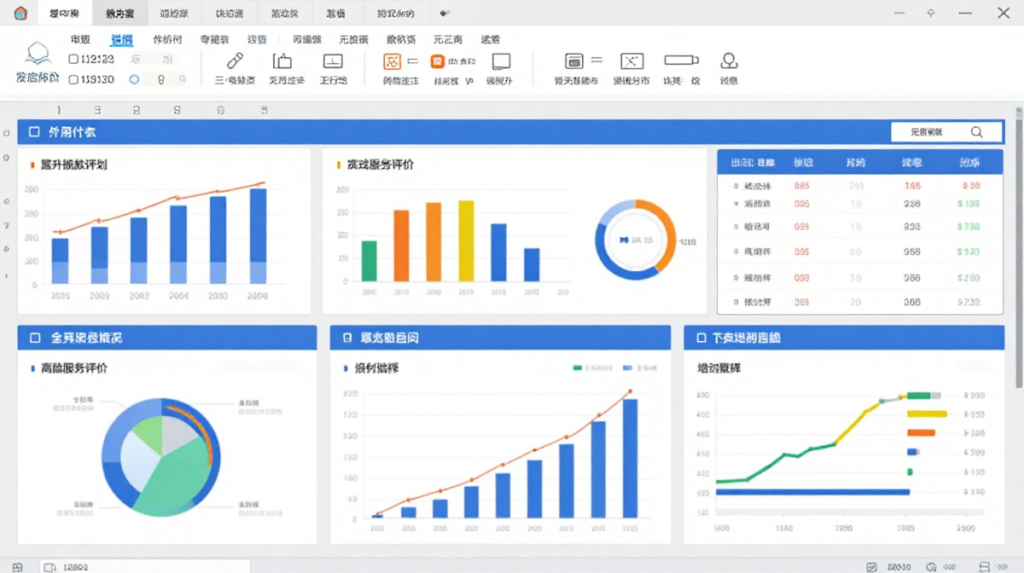
Managers want to see a dashboard, not a wall of text. You’ll build interactive reports with charts, slicers, and KPIs.
5. Automation Using Macros
Stop doing the same tasks twice. Macros can format reports and clean data for you. Even simple scripts save you hours every week.

Benefits of Advanced Excel Training in Madurai
Training in person changes the pace of your learning.
- Personalized Guidance: Experienced trainers explain formulas with real-world examples.
- Hands-on Practice: You learn by doing, not just watching.
- Doubt-Clearing: You get answers right away.
- Placement Support: Many institutes help with resumes and mock interviews.
Advanced Excel Training in Madurai with Certificate
A certificate proves you’ve finished structured training. While it doesn’t land a job on its own, it signals to employers that you’re serious about your professional development. Employers prioritize people who can actually demonstrate Excel skills through projects, much like the practical expertise required to complete a Mobile Service Training in Madurai.

Career Opportunities After Learning Advanced Excel
Excel is a gateway to other roles. Popular career paths include MIS Executive, Data Analyst, Operations Executive, or Accountant. Many professionals build on this by learning Power BI Training or SQL Training to keep moving up in data analytics.
How to Choose the Best Advanced Excel Training Institute
Look for:
- Trainers with real experience
- An updated curriculum that covers modern features
- Practical assignments and dashboard projects
- Small class sizes
- Placement support
Frequently Asked Questions
Is Advanced Excel difficult to learn? No. If you take it step-by-step and practice, the logic will click.
Does Advanced Excel include VBA? Most courses cover the basics of VBA and Macros. Some programs go deeper if you need custom automation.
Is an Advanced Excel certificate useful? It’s great for your resume, but your ability to use the software for real projects is what gets you hired.

Conclusion
Excel is a business tool, not just a spreadsheet. You’ll use it for reporting, analysis, and automation in almost any job you take. When you look for an Advanced Excel Course in Madurai, find a place that cares about hands-on projects and real-world application. Practice, build projects, and use Excel to solve actual challenges.
If you are looking to combine software proficiency with technical hardware skills, don’t forget to check out our Mobile Service Training in Madurai to round out your technical toolkit.