Introduction
Computer knowledge has become an important part of education, office administration, and many entry-level jobs. Whether you are a college student, a job seeker, or someone looking to improve your computer skills, learning the fundamentals can help you feel more confident when working with digital tools.
If you are searching for a COA Computer Training Institute in Madurai, understanding the course content, practical learning opportunities, and training facilities can help you make an informed decision. Before joining a class, it is worth knowing what COA covers, which skills you may develop, and how to identify a suitable training centre.
COA is commonly used to refer to Computer Office Automation in computer-training contexts, although the exact expansion and syllabus can vary between institutes. Such courses generally introduce learners to essential computer operations, office applications, document preparation, spreadsheets, presentations, and internet usage.

Madurai students have several factors to consider when choosing a computer course, including class timings, travel distance, trainer support, course fees, and opportunities for hands-on practice.
In this guide, you will learn about COA course subjects, the benefits of practical training, how to select a computer institute, potential career applications, and the questions to ask before enrolling.
1. What Is a COA Computer Course?
A COA computer course generally focuses on developing the computer skills needed for everyday office work and basic professional tasks. It is often suitable for beginners who want to understand how computers work and learn to use common productivity software.
The course structure depends on the institute, so students should request a syllabus before enrolling.
Common Topics Covered in COA Training
A COA or Computer Office Automation programme may include the following subjects:
- Computer fundamentals: Basic computer operations, hardware, software, and file management.
- Operating system basics: Managing folders, files, settings, and applications.
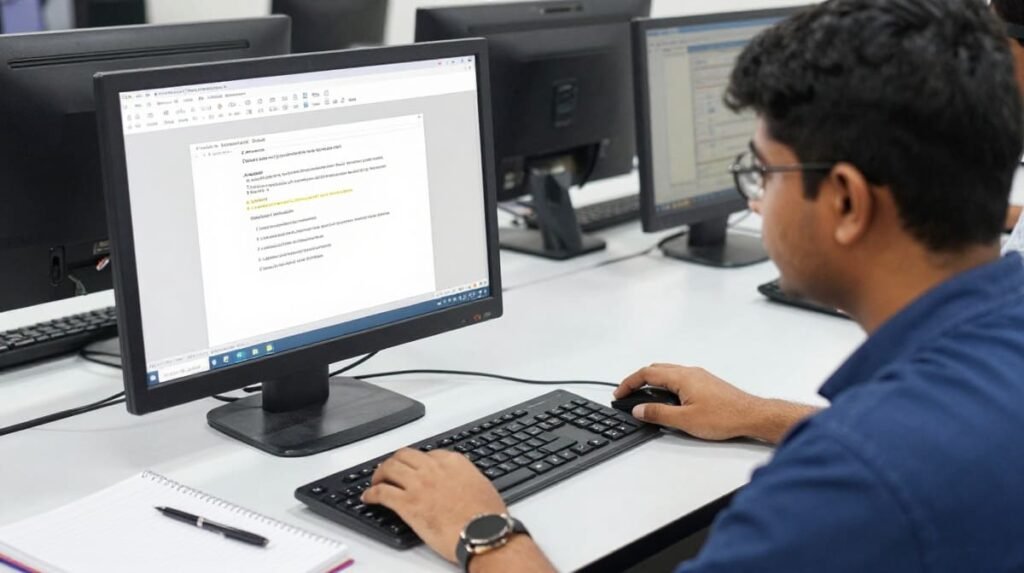
- Word processing: Creating letters, reports, resumes, and other documents.
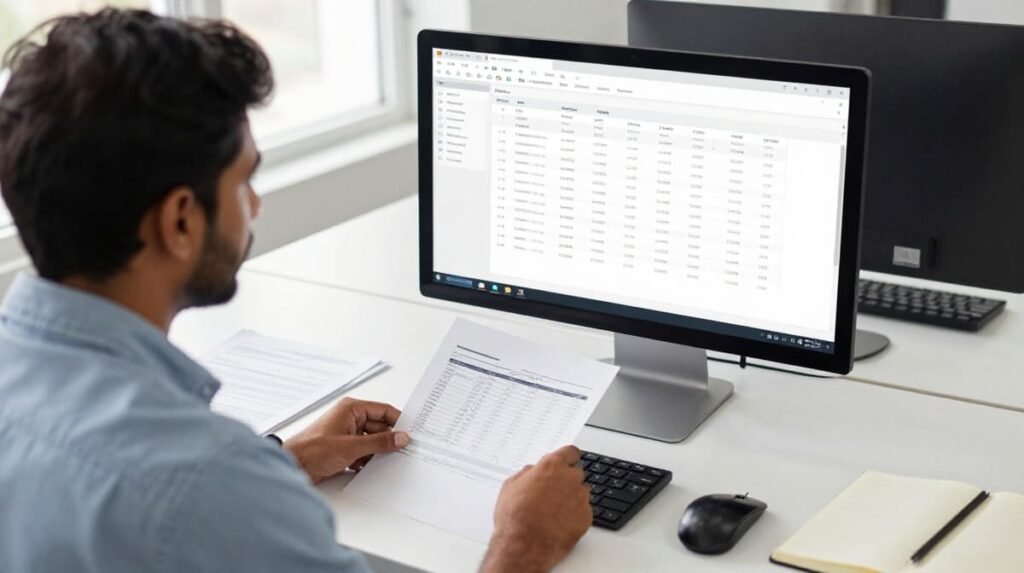
- Spreadsheet applications: Working with data, formulas, tables, and basic calculations.
- Presentation software: Preparing slides for meetings, classes, and presentations.
- Internet and email: Browsing websites, sending emails, and managing attachments.
- Office documentation: Formatting documents and organising digital records.
- Printing and file handling: Saving, exporting, and printing documents correctly.
Not every institute includes all these subjects. Some programmes may also introduce basic accounting software, data entry, or additional office applications.
Who Can Join a COA Course?
COA training may be useful for:
- School and college students who want to develop computer skills.
- Fresh graduates preparing for entry-level employment.
- Job seekers who need basic office software knowledge.
- Office assistants who want to improve their productivity.
- Small business owners who manage invoices, records, and reports.
- Beginners who have little or no previous computer experience.
Students should check the institute’s minimum educational requirements, age criteria, course duration, and certification details before registering.
Quick answer: A COA computer course teaches foundational computer operations and office application skills. It can help beginners prepare for computer-based tasks in education, administration, and business environments.
2. Why Choose a COA Computer Training Institute in Madurai?
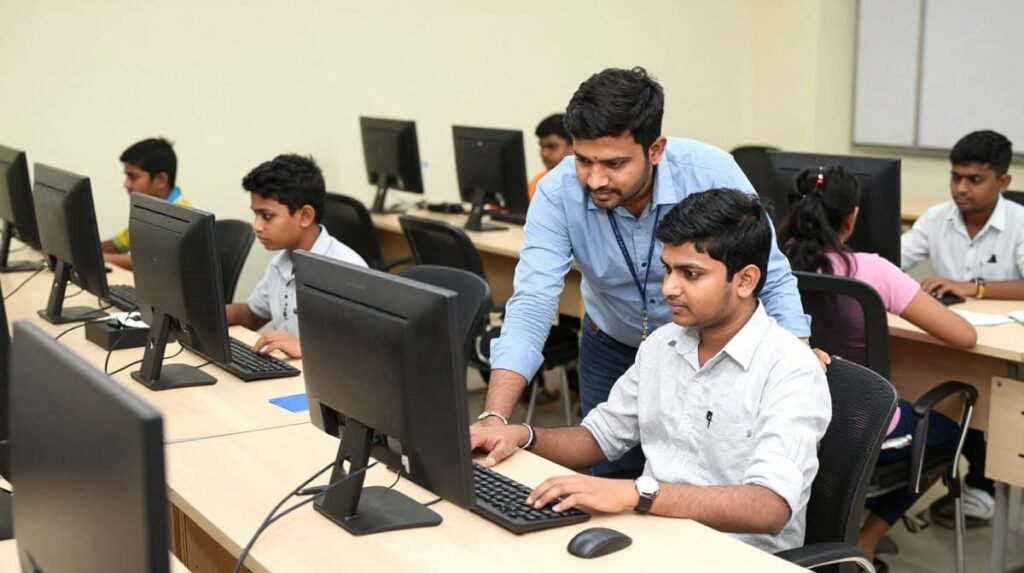
Choosing a training institute close to home, college, or workplace can make it easier to attend classes regularly. For students in Madurai, the right training centre should offer a suitable combination of practical instruction, accessible timings, and a clear learning plan.
However, location alone should not determine your choice. The quality of the teaching and the opportunity to practise what you learn are equally important.
Learn Through Practical Computer Sessions
Computer skills improve when students use the software themselves rather than simply watching a trainer demonstrate it.
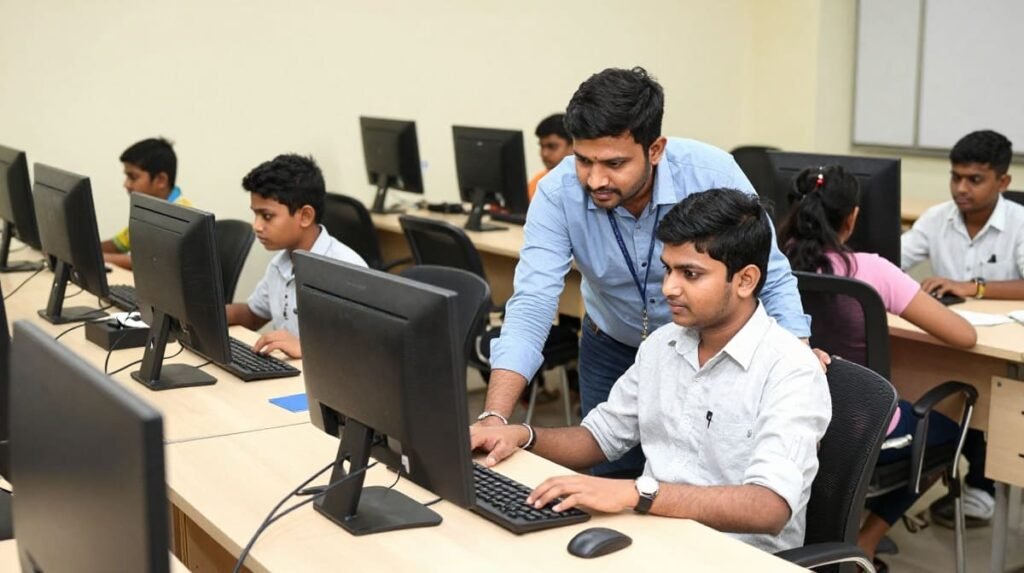
For example, a student learning word processing should practise creating a resume, formatting a letter, adjusting page margins, and saving a document as a PDF.
Similarly, spreadsheet practice may involve preparing a monthly expense sheet, using formulas, sorting information, and creating a simple chart.
These activities help learners connect classroom explanations with tasks they may encounter in real situations.
Get Guidance When You Need It
Beginners may find certain tasks confusing at first. They might struggle with file locations, keyboard shortcuts, spreadsheet formulas, or document formatting.
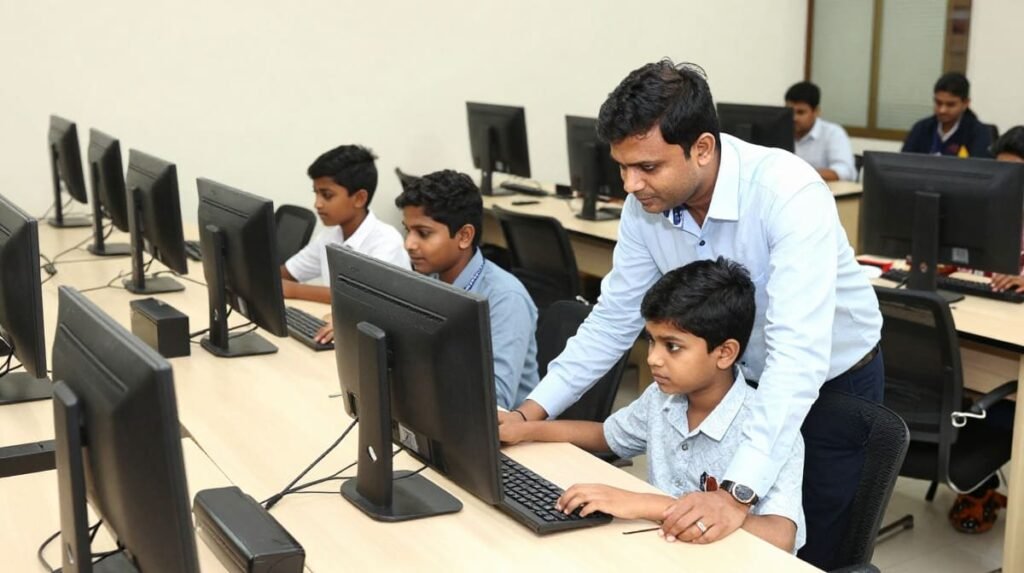
A supportive trainer can explain the steps, identify mistakes, and provide additional practice until the learner becomes more comfortable.
Before joining, ask whether students can clarify doubts during class and receive help when they have difficulty completing practical exercises.
Select Class Timings That Suit Your Schedule
Madurai students may need different schedules depending on their college hours, employment, or family responsibilities.
When comparing institutes, check:
- Morning, afternoon, or evening batches.
- Weekend class availability, if required.
- Total classroom and practical hours.
- Options for missed classes, if offered.
- The expected course completion period.
A convenient timetable can help you maintain consistent attendance and complete the course without unnecessary interruptions.
Compare Fees and Course Inclusions
Course fees are only one part of the decision. A lower fee may not include enough practical sessions, while a higher fee does not automatically guarantee better instruction.
Ask for a clear breakdown covering tuition, study materials, software access, examination charges, and certificate fees, where applicable.
Also confirm whether you will receive sufficient time on a computer during every practical session.
3. How to Find the Best COA Computer Classes Near KoodalNagar Madurai
If you live near Koodal Nagar, comparing nearby training centres can save travel time and make regular attendance more convenient.
The phrase Best COA Computer Classes Near KoodalNagar Madurai reflects a local search for suitable training options. Instead of choosing an institute based only on its advertisements, evaluate the features that directly affect your learning experience.
Check the Course Syllabus Before Enrolling

Ask for the complete syllabus and confirm which applications are included.
For example, if your primary goal is to prepare office documents and spreadsheets, make sure the course includes hands-on practice in word processing and spreadsheet software.
If you need additional skills, such as accounting software or advanced Excel, ask whether these subjects are included or require a separate course.
A written syllabus helps you understand exactly what you will learn.
Evaluate the Training Environment
A good beginner-friendly learning environment should make it easy to follow demonstrations and practise independently.
Look for:
- Working computers with the required software.
- Adequate time for individual practice.
- Clear demonstrations from the trainer.
- Exercises based on common office tasks.
- Opportunities to review and correct mistakes.
You can ask whether the institute provides a demonstration class or an opportunity to understand the teaching method before paying the full course fee.
Ask About Batch Size and Individual Attention
Large batches are not necessarily ineffective, but beginners may benefit from more opportunities to ask questions and receive individual guidance.
Find out how many students share the available computers and whether the trainer can support learners who progress at different speeds.
If you have never used office software before, individual practice time may be particularly important.
Read Reviews Carefully
Online reviews can provide useful information about teaching quality, classroom facilities, course organisation, and student support.
However, do not rely on a single review or an overall rating alone. Look for specific, consistent feedback from students who describe their learning experience.
You can also ask the institute for details about its trainer qualifications, course completion process, and the type of practical assignments students undertake.
Use This Checklist to Compare Institutes
| What to check | Why it matters |
| Course syllabus | Confirms whether the topics match your goals |
| Practical sessions | Helps you develop independent computer skills |
| Trainer experience | Gives you a basis for evaluating instruction |
| Class timings | Makes regular attendance easier |
| Fees and extra charges | Helps you plan your budget |
| Certificate details | Clarifies what proof of completion you will receive |
| Location and transport | Helps you estimate your daily travel time |
| Student support | Shows how questions and learning difficulties are handled |
Practical tip: Shortlist two or three institutes near Koodal Nagar, compare their syllabuses and practical facilities, and speak with the trainers before making a decision.
4. Important Skills You Can Develop Through COA Training
A computer course becomes more valuable when it helps you complete tasks independently. The following skills are particularly useful for students and beginners preparing for computer-based work.
Word Processing and Document Preparation
Word processing software is commonly used to create and format written documents.
During training, practise tasks such as:
- Preparing a professional resume.
- Typing formal letters and applications.
- Creating tables and lists.
- Formatting headings and paragraphs.
- Adjusting margins and page layouts.
- Saving and exporting documents.
For example, a college student may use these skills to prepare assignments, project reports, and internship applications.
Spreadsheet Management
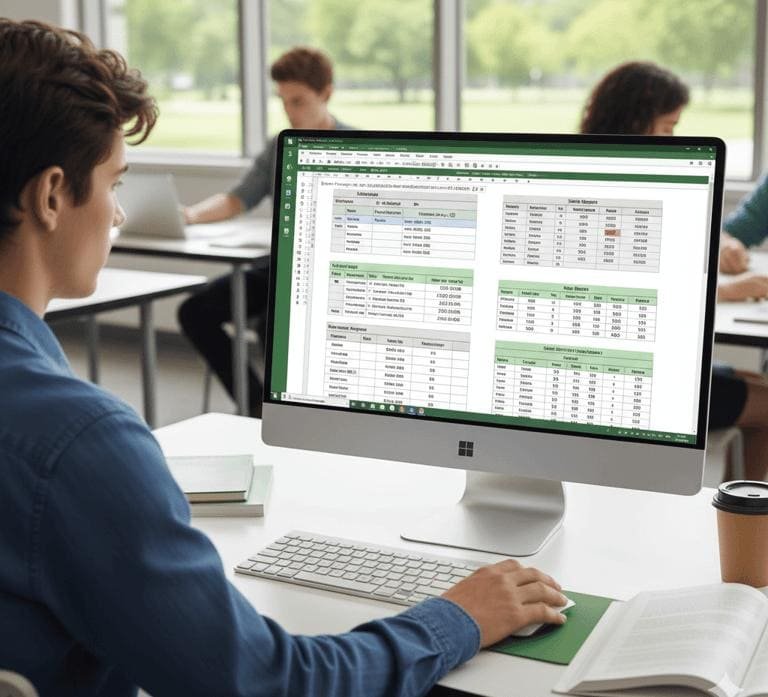
Spreadsheet applications help users organise information, perform calculations, and analyse data.
Depending on the course syllabus, students may learn how to:
- Enter and organise data.
- Use basic formulas and functions.
- Apply number and date formatting.
- Sort and filter records.
- Prepare simple budgets and expense reports.
- Create basic charts.
A useful practice assignment is to create a monthly household budget with categories for food, transport, education, and other expenses.
This exercise teaches data entry, calculations, formatting, and basic reporting in one task.
Presentations and Visual Communication
Presentation software allows users to communicate information through organised slides.
Students can practise creating a short presentation with a title slide, section headings, relevant images, and a concluding summary.
For instance, a student preparing a project presentation can learn how to structure information clearly instead of placing too much text on each slide.
Email and Internet Skills
Email and internet knowledge are important for communicating with colleges, employers, customers, and colleagues.
Useful skills include:
- Creating and organising email messages.
- Attaching documents to emails.
- Downloading and saving files safely.
- Using search engines effectively.
- Recognising suspicious links and messages.
- Protecting passwords and personal information.
Students should also learn to verify websites before sharing personal details and avoid downloading files from unknown sources. For additional guidelines on safe browsing and digital security, consult the Google Search Central documentation or resources provided by Mozilla Support.
File Management and Digital Organisation
Knowing how to organise files is a practical skill that beginners sometimes overlook.
A well-organised folder structure can make it easier to locate resumes, certificates, assignments, and office documents.
For example, you could create separate folders for educational records, job applications, personal documents, and project files.
Learning to rename, copy, move, compress, and back up files can make everyday computer use more efficient.
5. Career Opportunities After a COA Computer Course
Completing a COA course may help learners build foundational skills relevant to entry-level office and computer-based responsibilities. However, employment depends on several factors, including the employer’s requirements, the learner’s practical ability, educational qualifications, and relevant experience.
A certificate alone does not guarantee a job.
Roles Where Basic Computer Skills May Be Useful
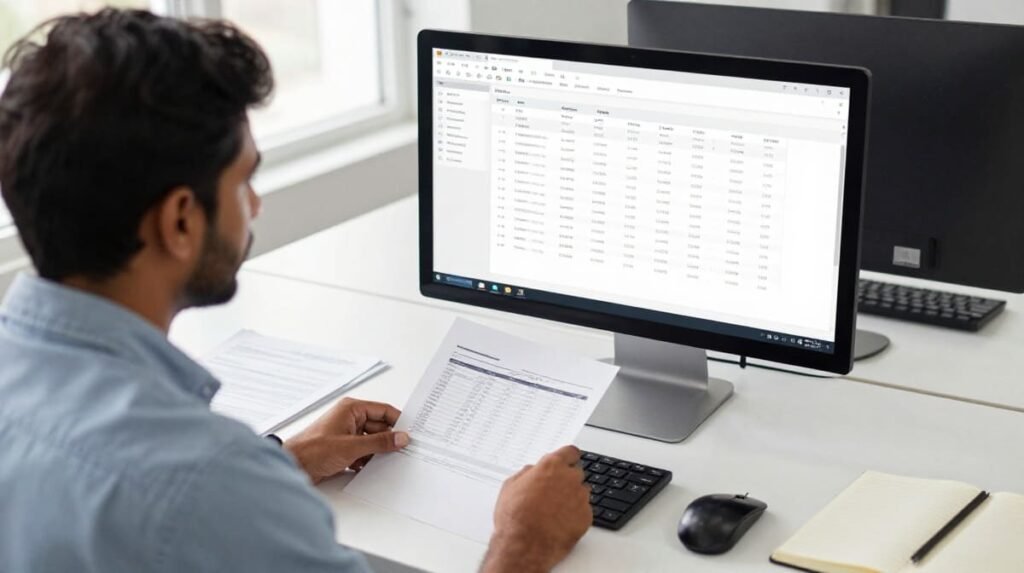
Depending on the employer and additional qualifications, foundational office computer skills may support applications for roles such as:
- Data entry assistant.
- Office assistant.
- Junior administrative support staff.
- Documentation assistant.
- Reception or front-office assistant.
- Basic computer operator.
- Office records assistant.
These are potential areas of application, not guaranteed job outcomes from completing COA training.
How to Improve Your Employment Readiness
To make your training more useful, create a small portfolio of practical work.
You could prepare:
- A professionally formatted resume.
- A sample business letter.
- A spreadsheet containing organised records and formulas.
- A simple monthly expense report.
- A short presentation on a familiar topic.
These examples give you an opportunity to practise common tasks and demonstrate what you can do.
If your preferred job requires more specialised skills, consider additional training in advanced Excel, accounting applications, typing, or other software relevant to the position.
For students in Madurai, checking current job advertisements can help identify the skills employers actually request. Compare those requirements with the COA syllabus before deciding whether you need further training. You can explore standard job market trends and career planning resources on platforms like LinkedIn Learning or Coursera.
Is COA Enough for a Computer-Based Job?
COA can provide a foundation, but the answer depends on the role.
For positions involving basic documentation and routine office tasks, foundational computer skills may be useful. Roles requiring advanced spreadsheets, accounting knowledge, programming, or specialised business software may require additional training and experience.
The most effective approach is to choose a course based on the skills you need, practise consistently, and continue learning as your career goals develop.
6. How to Get the Best Results From Your COA Computer Classes
Joining a training programme is only the first step. Regular practice helps turn classroom knowledge into skills you can use independently.
Practise After Every Class
Set aside time to repeat the exercises taught during the session.
If you learned spreadsheet formulas, create a new sheet and use those formulas without looking at the trainer’s demonstration.
If you practised document formatting, create another document with different content and apply the same techniques.
This approach helps you understand the process instead of memorising individual clicks.
Complete Small Real-World Projects
Projects help you combine several skills into one task.
Consider these examples:
| Project | Skills practised |
| Create a resume | Word processing and page formatting |
| Prepare an expense tracker | Spreadsheet formulas and data organisation |
| Write a formal email | Email communication and attachments |
| Create a class presentation | Slide design and information organisation |
| Organise digital records | File management and naming conventions |
You do not need complicated projects to make progress. Simple tasks completed independently can build confidence.
Ask Questions When Something Is Unclear
Do not hesitate to ask your trainer to explain a difficult step again.
Understanding why a formula works or why a document layout changes can be more useful than simply copying the instructions.
Keep a notebook of shortcuts, formulas, common errors, and solutions. Review it regularly.
Track Your Progress
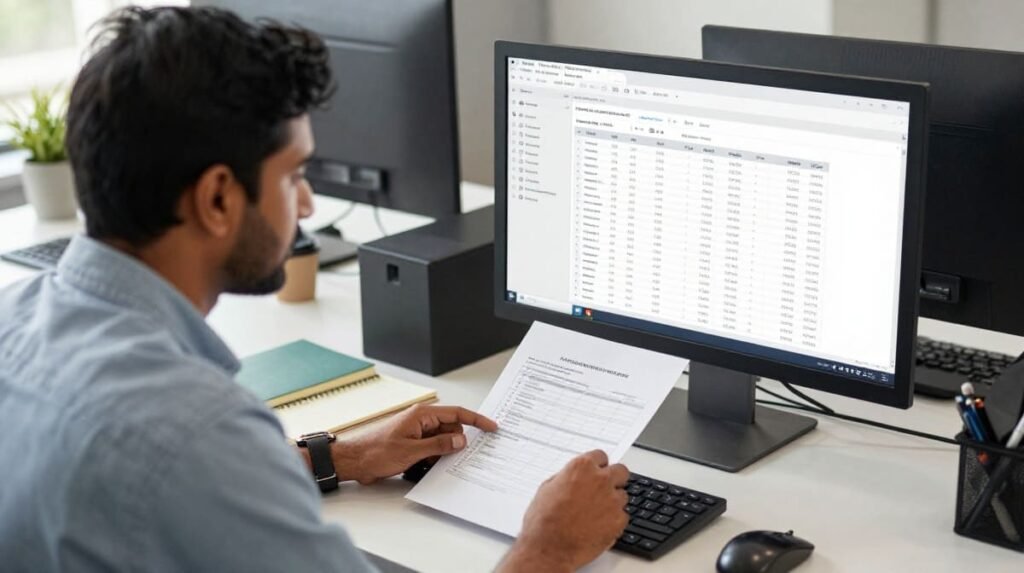
At the beginning of the course, identify the tasks you cannot yet complete confidently.
Review your progress every week by checking whether you can perform those tasks with less assistance.
For example, you might begin by needing help to format a letter. After practising, your goal could be to create the same type of document independently.
Measuring progress through completed tasks provides a clearer picture of your learning than relying only on attendance.
Frequently Asked Questions About COA Computer Training in Madurai
1. What is the duration of a COA computer course?
The duration depends on the institute’s syllabus, class schedule, and number of practical sessions. Ask the training centre for the total course hours and expected completion date before enrolling.
2. Can beginners join a COA computer training institute in Madurai?
Yes, many introductory computer courses are designed for beginners. However, eligibility requirements vary by institute, so confirm whether previous computer knowledge or a particular educational qualification is required.
3. How do I find the best COA computer classes near Koodal Nagar Madurai?
Compare nearby institutes based on their syllabus, practical training, trainer support, fees, timings, student feedback, and certificate details. If possible, visit the centre or request a demonstration before making your decision.
4. What jobs can I apply for after completing a COA course?
Depending on your qualifications and practical skills, the course may support applications for entry-level roles involving documentation, data entry, office assistance, and computer operations. Check individual job descriptions because employers may require additional qualifications or software skills.
5. Is practical training important in a COA computer course?
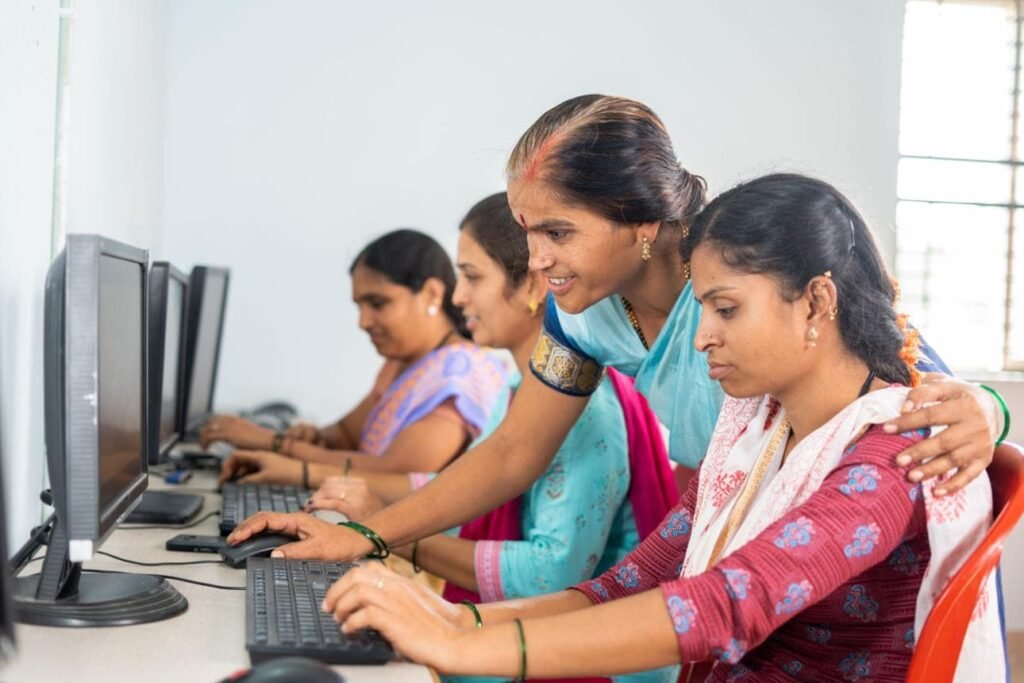
Yes. Practical training helps you apply what you learn by creating documents, managing spreadsheets, sending emails, and organising digital files. Before enrolling, confirm that the programme provides sufficient individual computer practice.
Conclusion: Choose the Right COA Computer Training Institute in Madurai
Learning computer fundamentals can be a useful step towards improving your digital confidence, completing educational tasks, and preparing for office-related responsibilities.
When searching for a COA Computer Training Institute in Madurai, focus on the quality of practical instruction, the syllabus, trainer support, class timings, and the value offered for the course fee. If you are looking for the best COA computer classes near Koodal Nagar Madurai, compare local options carefully instead of choosing based on location or advertising alone.
Before enrolling, ask for the complete syllabus, confirm the practical hours, understand the certification process, and check whether the course matches your learning goals.
Ready to start learning? Make a list of the computer skills you want to develop, compare suitable training institutes in Madurai, and contact your preferred centre to ask about course details and available batches. A well-chosen course, combined with regular practice, can help you build skills that remain useful throughout your education and working life.