1. Why Should Freshers Learn Microsoft Excel?
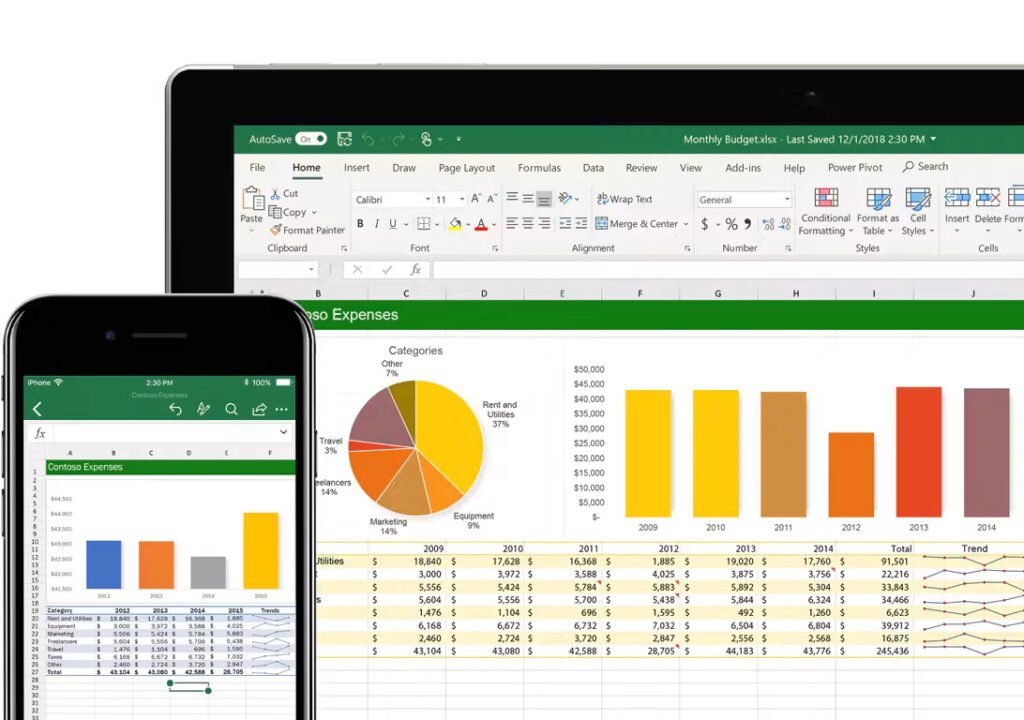
Microsoft Excel is a spreadsheet application that helps users organise information, perform calculations and present data clearly. It is commonly used in office administration, accounting, sales, inventory management and many other business activities.
For freshers, Excel offers a practical way to develop computer skills before applying for entry-level jobs. To check industry standards and broader tech skill requirements, you can review guidelines on Naukri Career Insights.
Important benefits of learning Excel
- Builds basic office skills: Many office roles involve entering information, updating records and preparing simple reports. Excel helps you perform these tasks in an organised way.
- Supports accounting and finance work: Students and freshers interested in accounting can use Excel to prepare expense statements, calculate totals, maintain payment records and create basic financial reports.
- Helps with data organisation: Instead of keeping information in separate handwritten registers, you can use spreadsheets to arrange names, dates, amounts, product details and other records.
- Improves productivity: Formulas and spreadsheet features can automate repeated calculations. This saves time and reduces the risk of manual calculation errors when the spreadsheet is set up correctly.
- Adds a useful skill to your resume: Completing a course can demonstrate that you have taken steps to learn Excel. The value of this skill becomes stronger when you can explain what you have practised and show examples of your work.
Who can join an Excel course?
A beginner-level Excel course may be suitable for:
- Freshers looking for their first job
- College students preparing for placements
- B.Com, BBA and other commerce students
- Arts and science graduates who want office-computer skills
- Job seekers returning to work after a break
- Small-business owners who maintain their own records
- Anyone who wants to improve spreadsheet skills
You generally do not need advanced computer knowledge to begin learning Excel. Basic familiarity with a computer, keyboard and mouse is helpful. Check the training provider’s eligibility requirements before enrolling.
2. What Does an Excel Course for Beginners Teach?
The best Excel course for the beginners is one that starts with the fundamentals and gradually introduces practical tasks. A good course should give you enough time to practise rather than relying only on demonstrations.
Course content and duration vary between training providers, so ask for the syllabus before paying the fee.
Excel basics and spreadsheet formatting
At the beginning, you should learn how to create and save workbooks, enter information into cells, edit data and organise worksheets. Typical beginner topics include:
- Creating, opening and saving Excel files
- Understanding rows, columns, cells and worksheets
- Entering and editing text, dates and numbers
- Adjusting row heights and column widths
- Formatting headings, borders and cell colours
- Using number, date, percentage and currency formats
- Sorting and filtering information
- Printing a worksheet and setting up a page
These features help you prepare clean, readable spreadsheets for everyday office work.
Practical example: You could create a student fee register with columns for student name, course, fee amount, payment date and balance. Formatting and filtering make the information easier to review.
Essential Excel formulas and functions
Formulas are an important part of Excel training because they help you calculate values automatically.
| Formula or function | What it does | Example use |
| SUM | Adds values | Calculating total expenses |
| AVERAGE | Finds the average | Calculating average sales |
| COUNT | Counts cells containing numbers | Counting recorded transactions |
| IF | Returns a result based on a condition | Showing Paid or Pending |
| COUNTIF | Counts cells matching a condition | Counting pending payments |
| SUMIF | Adds values matching a condition | Total sales for one product |
| ROUND | Rounds a number | Displaying amounts to two decimal places |
You should practise practise writing formulas, copying them across rows and checking the results. Understanding why a formula works is more valuable than memorising it.
For example, if expense amounts are listed in cells B2 to B10, you can use =SUM(B2:B10) to calculate the total. You can also refer to external documentation via W3Schools Excel Tutorial for additional formula breakdowns.
Intermediate skills to look for
After learning the basics, you may want to explore additional features such as:
- Conditional formatting to highlight important values
- Data validation to control what users enter
- Lookup functions to retrieve matching information
- PivotTables to summarise larger datasets
- Charts to present information visually
- Basic data cleaning to identify duplicates and inconsistent entries
Not every beginner course covers all these topics. If you need them for a particular job, confirm that they are included in the syllabus.
3. How to Choose an Excel Course with Certificate in Koodal Nagar, Madurai
If you live in or near Koodal Nagar, you may prefer a nearby computer training centre because travelling less can make it easier to attend classes regularly.
However, location should not be your only deciding factor. Compare the teaching method, syllabus, practical sessions, fee and certificate details before enrolling.
Check the syllabus before joining
Ask the training centre for a written syllabus. Make sure it explains what you will learn and whether the course is designed for complete beginners.
A useful beginner syllabus should normally cover:
- Spreadsheet basics and formatting
- Essential formulas and functions
- Sorting, filtering and basic data management
- Practical exercises based on office tasks
- Saving, printing and sharing files
- A final practice assignment or assessment
If you want Excel for accounting, ask whether the course includes expense statements, invoices, payment registers or similar examples. If your goal is data-related work, ask about charts, PivotTables and lookup functions.
Understand the certificate offered
Not all Excel certificates are the same. Before enrolling, ask the provider these questions:
- Will I receive a certificate after completing the course?
- Is the certificate issued by the training centre or an external certifying organisation?
- Do I need to pass an examination or practical assessment?
- What course name and completion details will appear on the certificate?
- Can I verify the certificate if an employer asks for confirmation?
A training-centre completion certificate is different from a certification awarded by an external organisation. Neither should be described as an official Microsoft certification unless it genuinely meets the relevant certification requirements.
Compare teaching methods and fees
Try to understand how the course works before making a payment.
| Factor | What to check |
| Course level | Is it suitable for complete beginners? |
| Practical training | Will you work on a computer during class? |
| Trainer support | Can you ask questions and receive corrections? |
| Class schedule | Does it fit your college, work or other commitments? |
| Course duration | Is there enough time to practise each topic? |
| Fees | Are registration, examination and certificate charges included? |
| Certificate | Who issues it, and what are the completion requirements? |
| Practice materials | Are exercises or sample files provided? |
There is no need to choose a course simply because it advertises a low fee or a quick certificate. Focus on the practical skills you will gain for the amount you pay.
How to find a suitable training centre
To compare options in Koodal Nagar and nearby parts of Madurai, you can search for phrases such as:
- Excel training in Koodal Nagar, Madurai
- Basic computer and Excel course in Madurai
- Excel course with certificate for freshers
- Advanced Excel training in Madurai
Check current course information, recent student feedback and the provider’s official details. Contact the centre directly to confirm availability, fees, timings and certification. You can also research local educational listings via platforms like Justdial Madurai.
This guide does not verify or rank a particular training centre in Koodal Nagar. Confirm these details with the provider before making your decision.

4. What Practical Projects Should You Complete During Excel Training?
A course becomes more useful when you apply what you learn to realistic tasks. Projects also help you explain your skills during an interview.
You do not need complicated projects at the beginner stage. Start with small spreadsheets and improve them as you learn new functions.
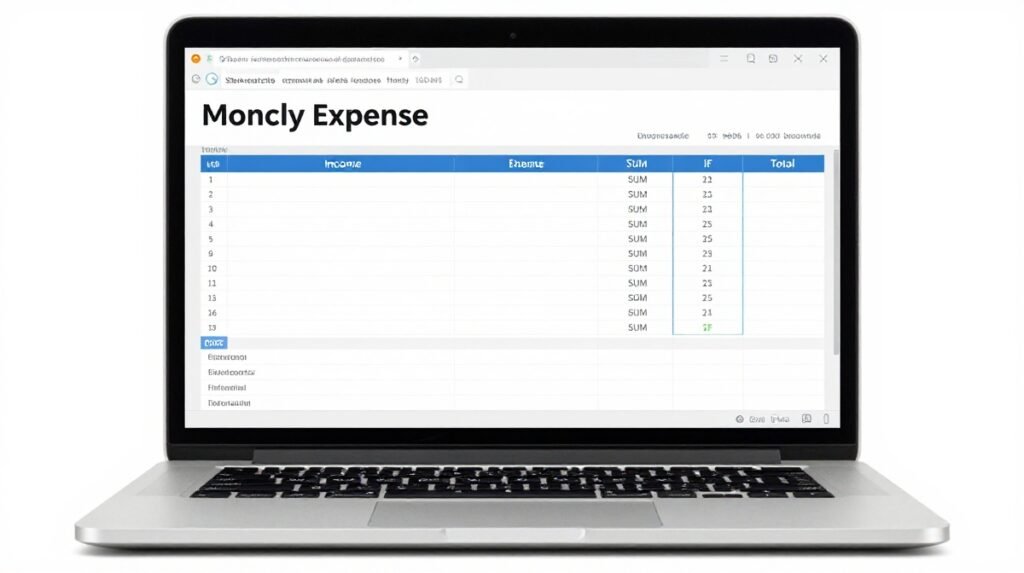
Project 1: Monthly income and expense sheet
Create a spreadsheet with columns for date, description, income, expenses and balance.
Use formulas to calculate:
- Total monthly income
- Total monthly expenses
- Remaining balance
- Expenses by category
This project teaches data entry, number formatting, formulas and basic financial organisation.
Project 2: Student fee or payment register
Create a table with student names, fee amounts, amounts paid and outstanding balances.
Use subtraction to calculate each balance. You can also practise sorting and filtering to identify pending payments.
This project is useful for learning how spreadsheet records can support administrative tasks.
Project 3: Sales report
Prepare a sample sales table with product names, quantities, prices and total sales.
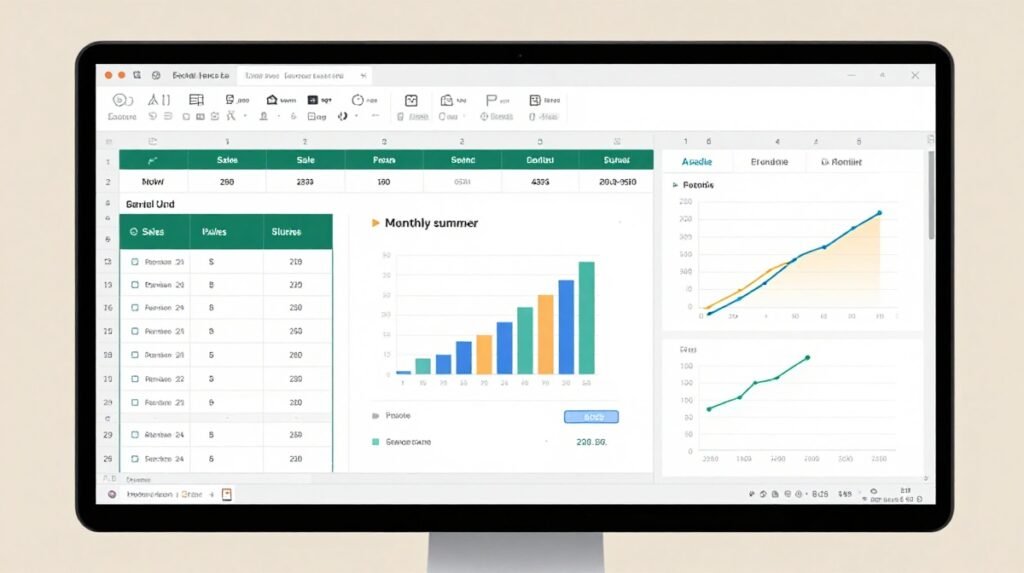
You can calculate the total for each product using multiplication, add all sales using SUM and display the results in a chart.
If you have learned PivotTables, try using one to summarise sales by product or month.
Project 4: Attendance or task tracker
Create a table that records dates and attendance or task status. Use filters to find incomplete entries and conditional formatting to highlight important information.
This exercise develops accuracy and helps you understand how Excel can be used to monitor routine activities.
Build a small portfolio
Save your completed projects with clear filenames, such as:
- Monthly_Expense_Report.xlsx
- Student_Fee_Register.xlsx
- Sales_Summary.xlsx
Use fictional or sample information rather than confidential personal or business records. Keep your spreadsheets organised and be ready to explain the formulas you used.
A small portfolio will not guarantee a job, but it gives you concrete examples to discuss with an employer.
5. Career Opportunities After Learning Excel
Excel is a supporting skill rather than a guarantee of employment. Its usefulness depends on the job, your other qualifications and your ability to perform the required tasks.
For freshers, basic Excel knowledge can be relevant to entry-level roles involving records, reporting and administrative support. To explore general job expectations, check insights on LinkedIn Learning Blog.
Jobs where Excel may be useful
- Office assistant: Maintain lists, update records and prepare simple reports.
- Data entry operator: Enter information accurately, check entries and organise spreadsheet data.
- Accounts assistant trainee: Maintain basic expense records, payment registers and supporting financial spreadsheets. Employers may also require accounting knowledge and familiarity with accounting software.
- Administrative assistant: Prepare schedules, maintain staff or customer records and organise office information.
- Sales coordinator: Update sales reports, track orders and summarise performance.
- Inventory assistant: Record stock received, stock issued and current quantities.
The exact Excel level required varies. Some roles need only data entry and basic formulas, while others expect PivotTables, lookup functions, reporting and data analysis.
How to mention Excel on your resume
List skills you can actually demonstrate. For example:
Technical Skills
- Microsoft Excel: data entry, formatting, sorting and filtering
- Formulas: SUM, AVERAGE, IF and COUNTIF
- Reporting: basic charts and monthly summaries
- Practical work: monthly expense report and payment register
Only include functions and projects you have practised. If you are still learning Excel, describe your level honestly rather than claiming advanced expertise.
During an interview, you may be asked to calculate totals, format a table, identify duplicate entries or explain a formula. Regular hands-on practice will help you prepare.
6. A Simple Learning Plan for Excel Beginners
You do not need to learn every Excel feature at once. A structured plan can help you build confidence step by step.
Here is a sample four-week plan. Adjust it according to your course duration and available practice time.
| Week | Learning focus | Practice task |
| Week 1 | Workbook basics, data entry and formatting | Create a student information sheet |
| Week 2 | SUM, AVERAGE, IF and other basic functions | Prepare a monthly expense report |
| Week 3 | Sorting, filtering, conditional formatting and charts | Build a simple sales report |
| Week 4 | Revision and practical projects | Complete and review two Excel projects |
Tips to learn Excel faster
- Practise regularly, even if you only have spare time for 20–30 minutes daily.
- Type formulas yourself instead of only watching demonstrations.
- Use sample data to practise common office tasks.
- Check your results against manual calculations.
- Repeat exercises until you can complete them without step-by-step instructions.
- Ask your trainer to explain mistakes and alternative methods.
- Keep a list of formulas and shortcuts you frequently use.
Common mistakes beginners should avoid
- Memorising formulas without understanding them: Learn what each formula does and when it is appropriate.
- Ignoring data accuracy: Extra spaces, inconsistent dates and numbers stored as text can affect calculations and reports.
- Using incorrect cell references: Understand relative and absolute references before copying formulas across a worksheet.
- Skipping practical assignments: Watching a class is not the same as being able to complete a task independently.
- Choosing a course based only on its certificate: Review the syllabus, teaching quality and practical work as well.
- Claiming skills you do not have: Employers may test your Excel ability. It is better to describe your current level accurately and keep improving.
Frequently Asked Questions
1. Which is the best Excel course for beginners in Madurai?
The best course is one that starts with spreadsheet basics, teaches formulas clearly, includes practical computer sessions and explains its certificate requirements. Compare the syllabus, fees, schedule and student feedback before choosing a provider.
2. Can freshers join an Excel course with a certificate?
Yes. Many beginner-level courses are designed for students, graduates and job seekers with little or no previous Excel experience. Check the individual provider’s eligibility rules and completion requirements.
3. How long does it take to learn basic Excel?
The time required depends on the course schedule and how often you practise. Some learners can become comfortable with basic data entry, formatting and simple formulas within a few weeks. More advanced reporting skills usually require additional practice.
4. Is an Excel certificate enough to get a job?
No certificate can guarantee employment. A certificate can show that you completed training, but employers may also assess practical Excel skills, communication, accuracy, educational qualifications and other job-related abilities.
5. Should I learn basic Excel or Advanced Excel first?
Start with basic Excel if you are a beginner. Learn data entry, formatting, formulas, sorting and filtering before moving to PivotTables, lookup functions and more advanced reporting features. Strong fundamentals make advanced topics easier to understand.
Conclusion
An Excel course with certificate for freshers in Koodal Nagar, Madurai can be a useful starting point if you want to develop practical computer skills for your career. The right course should help you understand spreadsheet basics, use essential formulas, organise information and complete realistic office tasks.
Before enrolling, compare the syllabus, hands-on practice, course fee, schedule and certificate issuer. Do not judge a course by its certificate alone. Look for training that helps you apply Excel independently and explain your work confidently.
Your next step: Shortlist two or three training providers in Koodal Nagar or nearby Madurai areas. Ask each one for the syllabus, total fee, course duration, practical project details and certificate information. Choose the course that best fits your learning needs and budget, then practise consistently to turn your training into a useful career skill.
Suggested Internal Linking Opportunities
Use these anchor texts to link to relevant articles on your website:
- Basic Computer Skills for Freshers
- Best Computer Courses for College Students
- Excel Formulas Every Beginner Should Know
- Excel vs. Tally: Which Should You Learn First?
- Computer Skills to Add to Your Resume
- How to Prepare a Resume for Your First Job
- Essential Excel Projects for Accounting Students