Can beginners with no technical background join a COA (Certificate in Office Automation) course? The short answer is yes. Complete beginners can successfully enroll and complete a COA Course Without Computer Knowledge in Madurai, provided they choose a training institute that covers fundamental computer concepts from the ground up before moving on to advanced office automation topics.
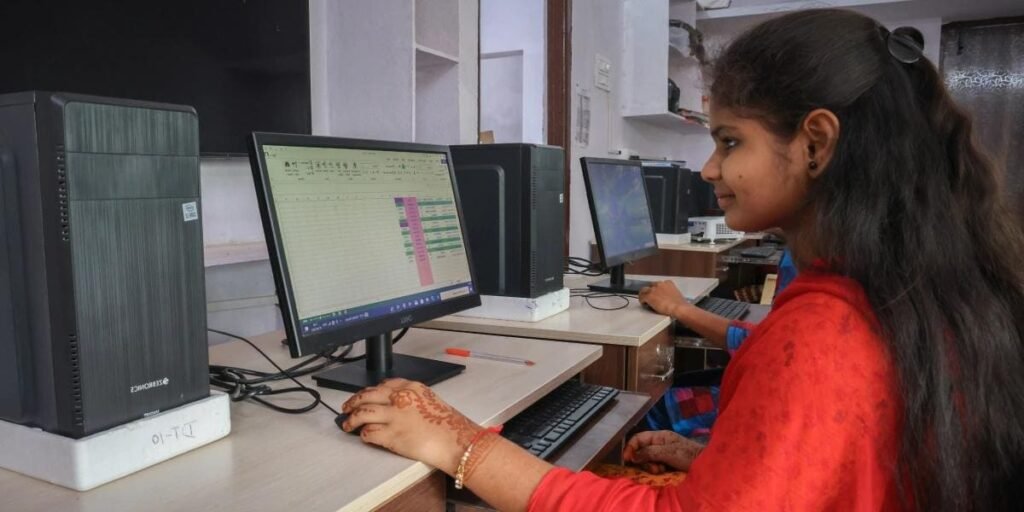
1. Can You Learn COA Without Prior Computer Knowledge?
Many prospective students hesitate to join a computer course because they feel intimidated by technology. However, a well-structured COA course for beginners in Madurai starts with the absolute basics. You do not need prior programming skills, advanced IT knowledge, or previous experience using computers to get started.
Why Prior Experience Is Not Required
- Step-by-Step Curriculum: Training programs are designed assuming zero prior knowledge.
- Hands-on Lab Practice: Learning happens through practical usage rather than pure theory.
- Guided Instruction: Trainers walk you through basic operations like using a mouse, keyboard, and operating system functions.
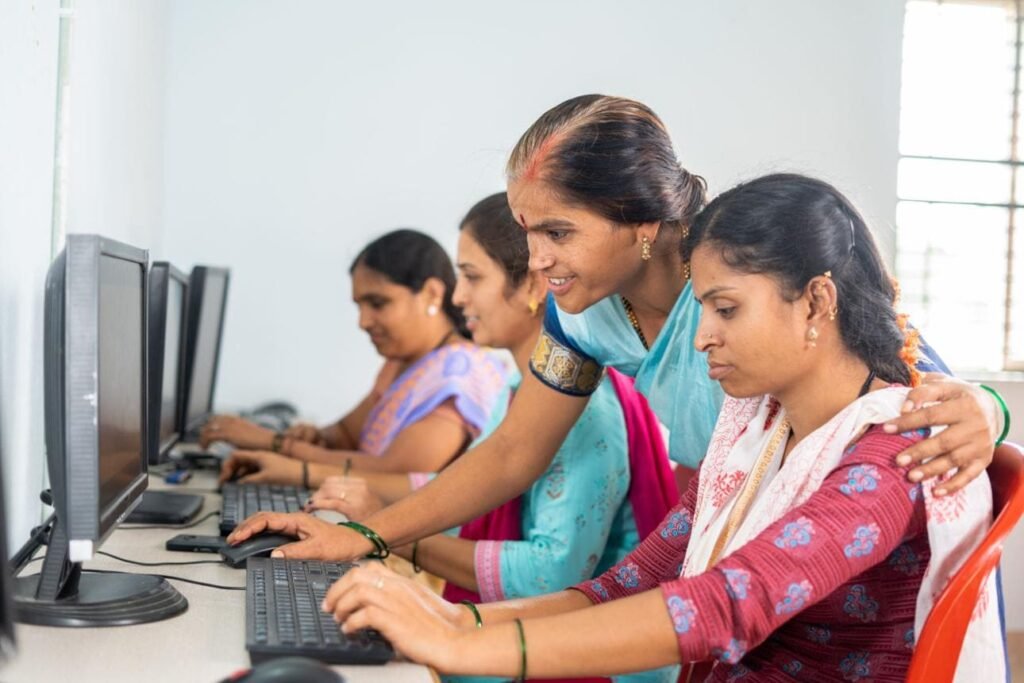
2. Fundamental Computer Skills Covered for Beginners
Before jumping into complex software, a beginner-friendly basic computer course in Madurai builds your confidence with foundational digital literacy skills.
Start with Computer Fundamentals
- Understanding Hardware & Software: Learn about CPU, RAM, storage devices, and basic operating system navigation.
- Keyboard & Mouse Basics: Master typing techniques, navigation shortcuts, and pointer control.
- File Management: Learn how to create folders, save documents, organize files, and manage storage drive paths.

3. Core Syllabus of a COA Course
The COA curriculum focuses heavily on practical office applications that are essential for administrative, clerical, and operational job roles.
Word Processing Basics
Learn to create, edit, and format documents using applications like Microsoft Word. You will cover text formatting, tables, headers, footers, and page setup techniques essential for official documentation.
Spreadsheets and Data Handling
Spreadsheet management is a vital skill in modern offices. Through practical exercises, students learn entry-level data management, functions, formulas, and reporting skills. Mastering these fundamentals prepares you to handle daily office administrative workflows seamlessly.
Digital Communication & Internet Usage
- Basic web browsing and search engine techniques.
- Crafting, sending, and managing official emails.
- Understanding internet safety, online tools, and safe browsing practices as recommended by authoritative web standards like Google Search Central.
4. Key Benefits of Enrolling in Madurai
Enrolling in a local COA computer training institute in Madurai offers several advantages for students and job seekers looking to upgrade their skillset.
- In-Demand Job Skills: Office automation is required across almost every industry, from educational institutions to corporate offices.
- Affordable Skill Building: Compared to lengthy degree programs, computer certification courses offer a cost-effective way to gain employment-ready skills.
- Personalized Guidance: Local offline classes provide direct instructor feedback, helping you overcome learning hurdles quickly.
5. How to Choose the Right Computer Training Institute
Selecting the right institute ensures you receive proper foundational training without feeling overwhelmed.
Key Factors to Evaluate
- Beginner-Friendly Approach: Ensure the curriculum includes dedicated sessions for basic computer concepts.
- Practical Lab Facilities: Verify that the institute offers individual computer access during practical classes.
- Trainer Expertise: Check if instructors are patient and experienced in teaching absolute beginners.
- Course Fees & Timings: Review the fee structure and flexible batch options to suit your schedule.
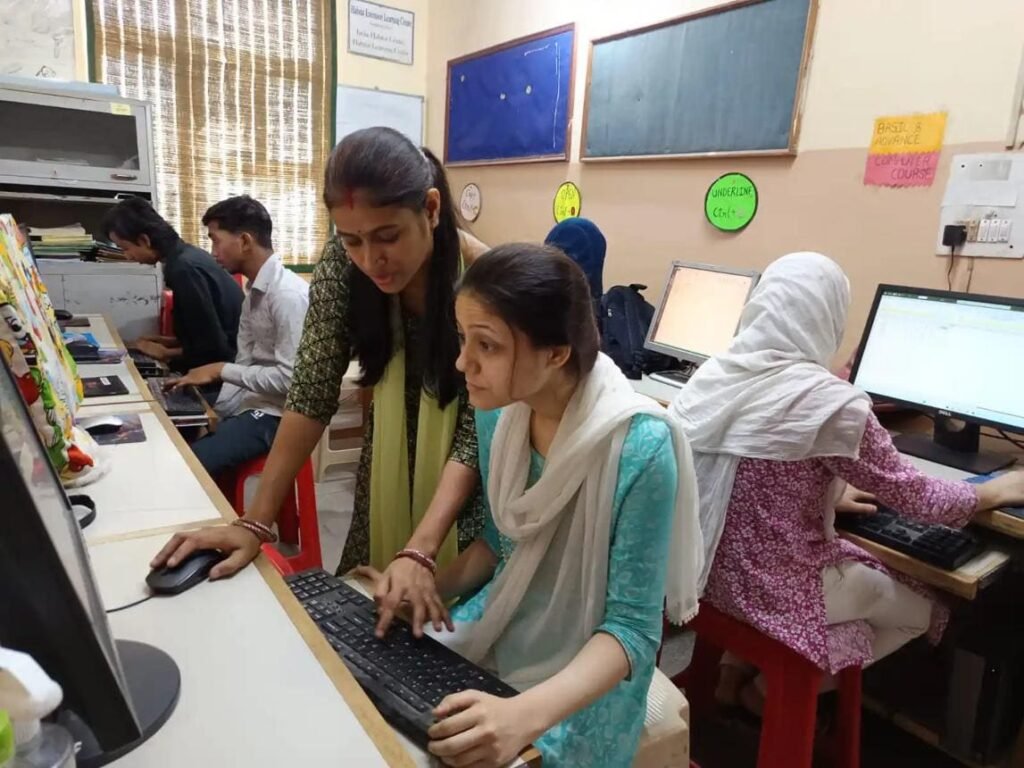
6. How to Practise at Home and Build Confidence
Consistency is key when learning computers for the first time. Here is a simple learning roadmap to help you retain what you learn during class:
- Daily Practice: Spend at least 30–60 minutes daily practicing typing and file management.
- Revise Office Tools: Practice creating mock reports, simple budgets, and official email drafts.
- Refer to Official Documentation: Learn standard practices directly from official tech resources like Microsoft Learn to build strong digital literacy habits.
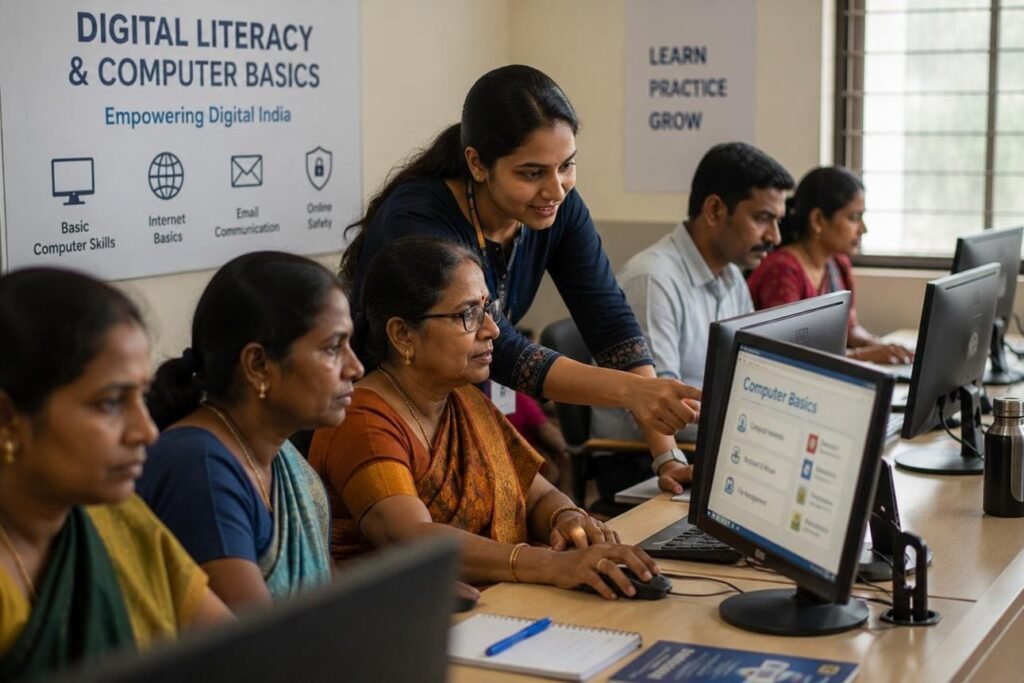
Summary & Next Steps
Taking a COA Course Without Computer Knowledge in Madurai is a practical and achievable step toward building digital confidence and improving career opportunities. With step-by-step guidance and regular practical sessions, complete beginners can master office automation tools effectively.
If you are ready to begin your learning journey, enquire about beginner eligibility, class schedules, and syllabus details at a local institute today.