Introduction
Computer skills have become an important part of education, office administration and many entry-level jobs. Whether you are a college student, a recent graduate, a job seeker or someone planning to return to work, learning basic computer applications can help you feel more confident when handling everyday office tasks.
However, choosing a computer course is not always easy. Some learners want practical training but need to stay within a limited budget. Others want to learn office applications, improve their typing skills and understand how computers are used in real workplaces without spending money on an advanced course they do not need.

An Affordable COA Computer Course in Madurai may be a suitable option for learners who want to develop foundational computer knowledge and office application skills at a reasonable cost.
Before enrolling, it is important to understand what COA means in the institute’s curriculum, which topics are included, how much practical training is offered and whether the course matches your career goals.
In this guide, you will learn what to look for in a COA computer course, the skills you may develop, the factors that influence course fees, the benefits of practical learning and how to choose a suitable training institute in Madurai.
1. What Is a COA Computer Course?
COA commonly stands for Computer on Office Automation or Certificate in Office Automation, depending on the institution. The exact expansion, syllabus and certificate offered can vary between training providers.
A COA-oriented course generally focuses on foundational computer operations and the applications used for common office tasks. It may introduce learners to creating documents, organising information, preparing spreadsheets and handling basic digital work.
The main purpose is to help students understand how to use a computer for education, administration and everyday workplace responsibilities.

Topics Commonly Included in COA Training
Depending on the institute’s syllabus, a COA course may cover the following areas:
- Computer fundamentals: Understanding computer hardware, software, operating systems and basic computer terminology.
- Operating system basics: Managing files, folders, desktop settings and common system functions.
- Word processing: Creating documents, formatting text, adjusting page layouts and preparing letters.
- Spreadsheet applications: Entering data, organising tables, using basic formulas and formatting worksheets.
- Presentation software: Creating slides for classroom presentations and workplace meetings.
- Internet fundamentals: Using web browsers, searching for information and downloading files safely.
- Email basics: Writing professional emails, attaching documents and managing messages.
- File management: Saving, renaming, organising and retrieving documents.
Who Can Join an Affordable COA Computer Course?
A foundational computer course may be useful for:
- School leavers who want to build basic digital skills.
- College students preparing for internships and entry-level employment.
- Graduates who need additional office application practice.
- Job seekers who want to improve their computer confidence.
- Office assistants and administrative trainees.
- Beginners who have limited experience using desktop computers.
Eligibility requirements depend on the individual training provider. Ask about the minimum educational qualification, course duration and any admission requirements before registering.
2. Why Choose an Affordable COA Computer Course in Madurai?
The right course should balance cost, practical learning and useful skills. A low fee can be attractive, but it should not be the only factor in your decision.
Learn Essential Office Computer Skills
Many entry-level office tasks involve preparing documents, maintaining records, organising information and communicating through email.
For example, an administrative assistant may need to prepare a letter in a word processor, update a spreadsheet and send the completed document to a supervisor.
A well-structured COA course can introduce learners to these tasks and provide opportunities to practise them.
Build Confidence Through Practical Training
Reading about computer applications is different from using them independently.
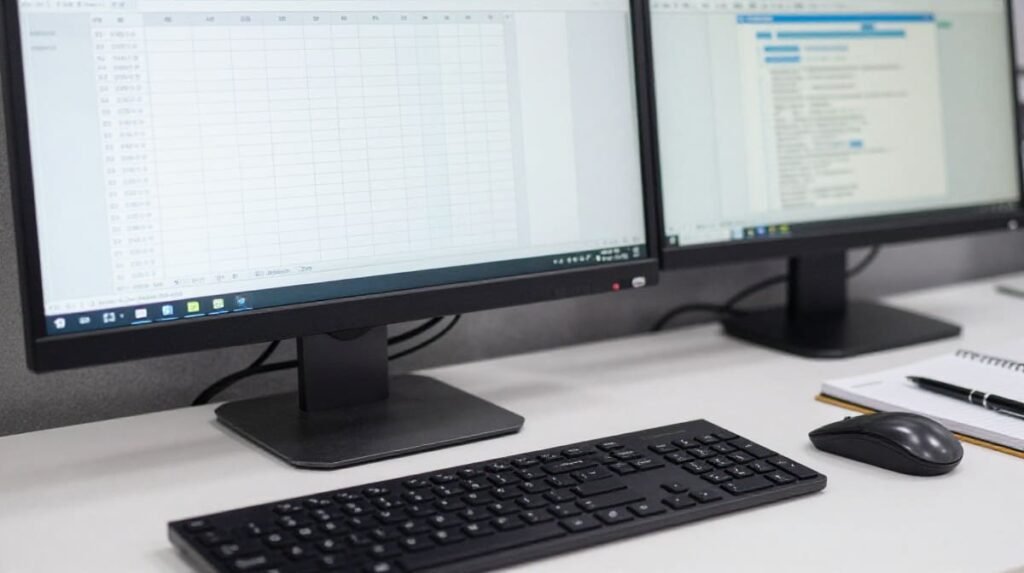
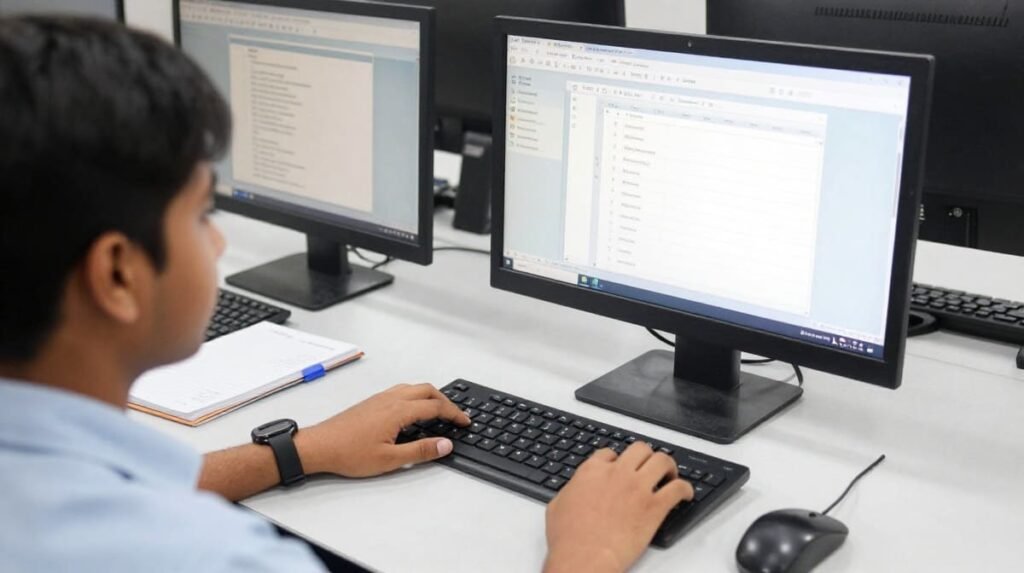
Practical sessions allow students to learn how to:
- Create and format documents.
- Enter and organise data in spreadsheets.
- Save files in the correct folders.
- Attach documents to emails.
- Correct formatting mistakes.
- Complete simple computer-based assignments.
When comparing institutes, ask how much time students spend practising on computers rather than listening to explanations alone. Educational research highlighted by organizations like UNESCO consistently emphasizes that active, hands-on technical training leads to much better skill retention than passive listening.
Develop Skills for Further Learning
COA training may provide a foundation for additional courses, such as advanced spreadsheet applications, accounting software, desktop publishing or other job-related computer programs.
For example, a student who becomes comfortable with spreadsheet basics may later decide to study advanced Excel features for reporting and data management.
Choose additional training based on the skills required for your intended career rather than enrolling in multiple courses without a clear goal.
Learn Within Your Budget
An affordable course can make computer education more accessible to students and job seekers.
However, affordability should be evaluated against the training provided. A slightly higher fee may be worthwhile if it includes sufficient practical sessions, learning materials and individual guidance.
The best choice is a course that meets your learning needs without placing unnecessary financial pressure on you.
3. COA Computer Course Fees: What Should You Check?
One of the first questions learners ask is how much an affordable COA computer course costs.
There is no single fee that applies to every institute in Madurai. The total cost depends on the syllabus, training duration, class schedule, facilities and certificate arrangements.
Rather than relying on an advertised starting price, request a complete fee breakdown from the institute.
Factors That Affect Course Fees
| Factor | What to Check |
| Course duration | How many weeks or months are required to complete the syllabus? |
| Practical sessions | How much individual computer practice is included? |
| Class size | Will you receive enough guidance during practical work? |
| Learning materials | Are notes, assignments or practice files included? |
| Examination fees | Is there a separate assessment or examination charge? |
| Certificate | Who issues the certificate, and are any additional charges applicable? |
| Timings | Are weekday, weekend or flexible batches available? |
| Software coverage | Which applications and versions are taught? |
These details help you compare courses fairly and avoid unexpected expenses.
How to Compare Two Affordable COA Courses
Imagine that two institutes offer COA training at different prices.
Institute A charges a lower fee but provides limited computer practice. Institute B charges somewhat more but includes structured practical assignments, instructor support and additional revision sessions.
The cheaper option is not automatically the better value. Consider what you will learn, how much hands-on experience you will receive and whether the course meets your objectives.
Before paying, ask these questions:
- What is the complete course fee?
- Are there registration, examination or certificate charges?
- How many hours of practical training are included?
- What happens if I miss a class?
- Can I attend a demo class before enrolling?
- What certificate will I receive upon successful completion?
Practical tip: Ask the institute to share the fee details and course syllabus in writing. This makes it easier to compare available options and understand exactly what you are paying for.

4. What Skills Can You Learn in COA Computer Classes?
A useful computer course should help students move from basic familiarity to independent task completion.
The precise learning outcomes depend on the syllabus and the amount of practice provided.
Document Creation and Formatting
Word processing is useful for preparing letters, applications, notices, reports and other documents.
Students may practise:
- Typing and editing text.
- Formatting headings and paragraphs.
- Adjusting margins and page orientation.
- Inserting tables and lists.
- Saving documents in different file formats.
- Preparing a document for printing.
Example: A student could practise creating a professional job application letter with a clear heading, appropriate spacing and consistent formatting.
Spreadsheet Fundamentals
Spreadsheet applications are commonly used to organise information and perform calculations.
Depending on the course, learners may practise:
- Entering text and numerical data.
- Creating tables.
- Formatting rows and columns.
- Using basic formulas such as SUM and AVERAGE.
- Sorting and filtering information.
- Preparing simple expense or attendance records.
Example: A learner could create a monthly expense sheet, enter daily expenses and calculate the total using a formula.
These basic skills may provide a starting point for more advanced spreadsheet training later. For comprehensive guidelines on safe digital tools and software standards, you can review references provided by bodies like NITI Aayog.
Internet, Email and File Management
Digital communication is an important part of modern office work.
Students should learn how to search for information, download files from trustworthy sources, organise documents and communicate professionally through email.
Useful practice activities include attaching a document to an email, creating organised folders and identifying suspicious links or unexpected attachments.
These activities can improve everyday digital confidence and encourage safer computer use.
Presentation and Workplace Tasks
If presentation software is included in the syllabus, students may learn how to create simple slides, organise information and use readable layouts.
Institutes can also strengthen practical learning by assigning small projects that combine multiple applications.
For example, a final practice assignment might require a student to prepare a formatted document, create a spreadsheet and send both files in an email.
Such exercises help learners apply what they have studied instead of memorising isolated steps.
5. How to Choose the Right COA Computer Training Institute in Madurai
Finding a suitable institute requires more than searching for the lowest course fee. You should evaluate the teaching approach, syllabus, facilities and support available to students.
Check the Syllabus Before Admission
Request a written syllabus and review each topic.
Confirm whether the course covers the applications you want to learn. If your main goal is to prepare for office administration, document creation, spreadsheets, email and file management may be especially relevant.
If you want advanced Excel, programming or accounting software, check whether those subjects are actually included. A basic COA course may not cover them in depth.
Ask About Practical Computer Access
Students need sufficient opportunities to use the applications themselves.
During your institute visit, ask whether each student receives individual computer practice and whether instructors provide guidance when difficulties arise.
If possible, attend a demo session to observe the teaching method, classroom environment and available equipment.
Verify the Certificate Details
The value of a certificate depends on the organisation issuing it, the course content and the requirements of the employer or institution accepting it.
Ask for the exact certificate name, issuing organisation and assessment requirements.
Do not assume that every COA certificate is government-recognised or accepted by every employer. If you need a certificate for a particular job, examination or further course, verify its acceptance with the relevant organisation.
Consider Class Timings and Accessibility
Students may need to balance training with college, work or family responsibilities.
Ask whether the institute offers morning, afternoon, evening or weekend batches. Confirm the location, attendance expectations and availability of make-up classes.
Choosing a schedule you can maintain consistently is often more useful than selecting a course you cannot attend regularly.
Evaluate Teaching Support
Beginners may need additional help when learning unfamiliar computer applications.
A suitable institute should explain concepts clearly, provide practice opportunities and allow students to ask questions.
You can assess this by speaking with the instructor, attending a demo class or asking current students about their learning experience.
Use This Admission Checklist
Before joining an affordable COA computer course in Madurai, confirm the following:
- The syllabus matches your learning goals.
- The total fee is clearly explained.
- Practical computer sessions are included.
- The instructor provides guidance and feedback.
- The class schedule suits your availability.
- The certificate details are transparent.
- You understand the attendance and assessment rules.
- The institute provides clear contact and admission information.
Taking these steps can help you make a more informed decision.
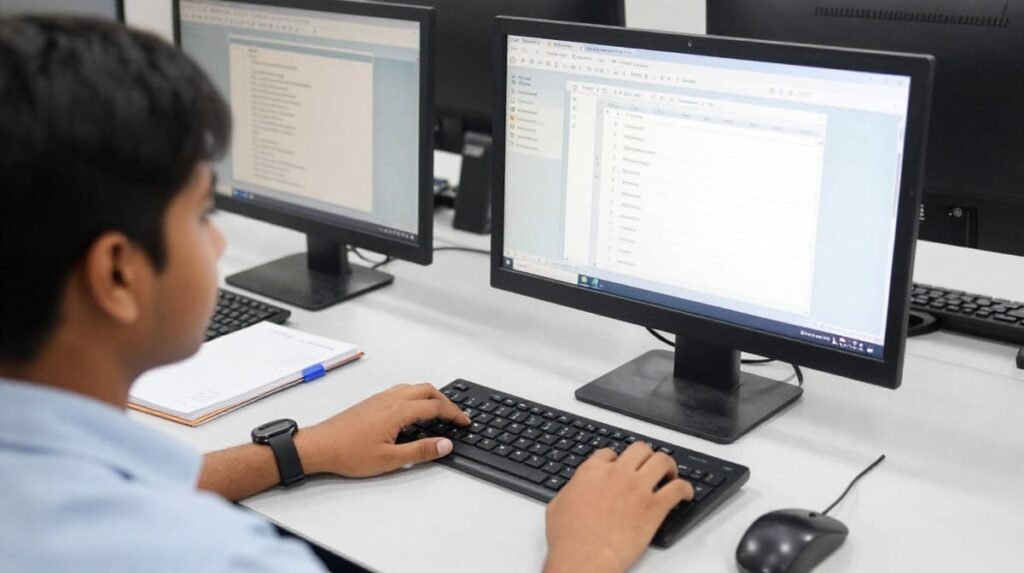
6. Career Benefits and Common Mistakes to Avoid
A COA computer course can help learners develop foundational digital skills, but the benefits depend on how well they apply those skills.
How COA Skills May Support Your Career
Basic office application skills can be relevant to roles such as:
- Office assistant.
- Administrative trainee.
- Data entry trainee.
- Reception or front-office assistant.
- Documentation assistant.
- General office support staff.
These are possible career directions, not guaranteed job outcomes. Employers may require additional qualifications, communication skills, typing speed, experience or knowledge of specialised software.
A computer certificate alone does not guarantee employment.
Build a Small Portfolio of Practice Work
One practical way to demonstrate your learning is to keep examples of completed assignments.
You might prepare:
- A professionally formatted letter.
- A spreadsheet with basic formulas.
- A simple presentation.
- A sample attendance register.
- A neatly organised set of digital files.
Use fictional information rather than real personal or confidential data.
Mistakes Beginners Should Avoid
- Choosing a course based only on price: A low fee may not provide enough practice or cover the applications you need. Compare the complete course offering before deciding.
- Assuming every certificate has the same value: Certificates differ in issuing organisation, assessment and recognition. Verify the details before enrolling.
- Ignoring practical assignments: Watching demonstrations is not enough. Practise each task independently until you can complete it without step-by-step assistance.
- Expecting immediate employment: Training can improve your skills, but job readiness also depends on communication, accuracy, reliability and the requirements of individual employers.
- Skipping revision: Computer skills improve with repeated use. Review your lessons regularly and redo assignments that you find difficult.
A Simple Learning Plan for Beginners
You can use the following plan as a guide, adjusting it to match your institute’s syllabus.
| Learning Stage | Main Focus | Practice Task |
| Stage 1 | Computer basics and file management | Create folders and organise sample files |
| Stage 2 | Word processing | Prepare a formatted letter |
| Stage 3 | Spreadsheet basics | Create a simple expense sheet |
| Stage 4 | Internet and email | Send a practice email with an attachment |
| Stage 5 | Presentations, if included | Prepare a short slide presentation |
| Stage 6 | Revision and assessment | Complete a combined office task independently |
The time required for each stage depends on your starting skill level, class schedule and the course curriculum.
Frequently Asked Questions
1. What is an affordable COA computer course in Madurai?
An affordable COA computer course is a computer training programme offered at a fee that fits your budget. Depending on the institute, it may cover computer fundamentals, office applications, spreadsheets, internet use and email. Check the syllabus and total fee before joining.
2. What is the fee for a COA computer course in Madurai?
The fee varies by institute, course duration, syllabus, practical training and certificate arrangements. Contact the training provider for the latest fee structure and ask whether registration, examination and certificate charges are included.
3. Can beginners join COA computer classes?
Many foundational COA courses are designed for beginners, but eligibility requirements vary. Ask the institute about educational qualifications, language requirements and whether prior computer knowledge is necessary.
4. How can I join affordable COA computer classes in Madurai?
Start by identifying institutes that offer COA training. Compare their syllabuses, fees, practical sessions, class timings and certificate details. Contact your preferred institute, ask about available batches and admission requirements, and attend a demo class if possible.
5. Can a COA computer course help me get an office job?
A COA course may help you develop basic skills relevant to entry-level office work. However, employment depends on the employer’s requirements and your overall abilities. Practising documents, spreadsheets, email and communication can help you prepare more effectively for suitable roles.
Conclusion
Choosing an Affordable COA Computer Course in Madurai is about finding the right balance between course fees, practical training, syllabus coverage and learning support.
Ready to start learning? Contact your preferred computer training institute, ask about admission availability and course details, and choose a programme that matches your budget and career goals. Consistent practice and a willingness to learn will help you make the most of your computer training.